




ARZAB ARZAB
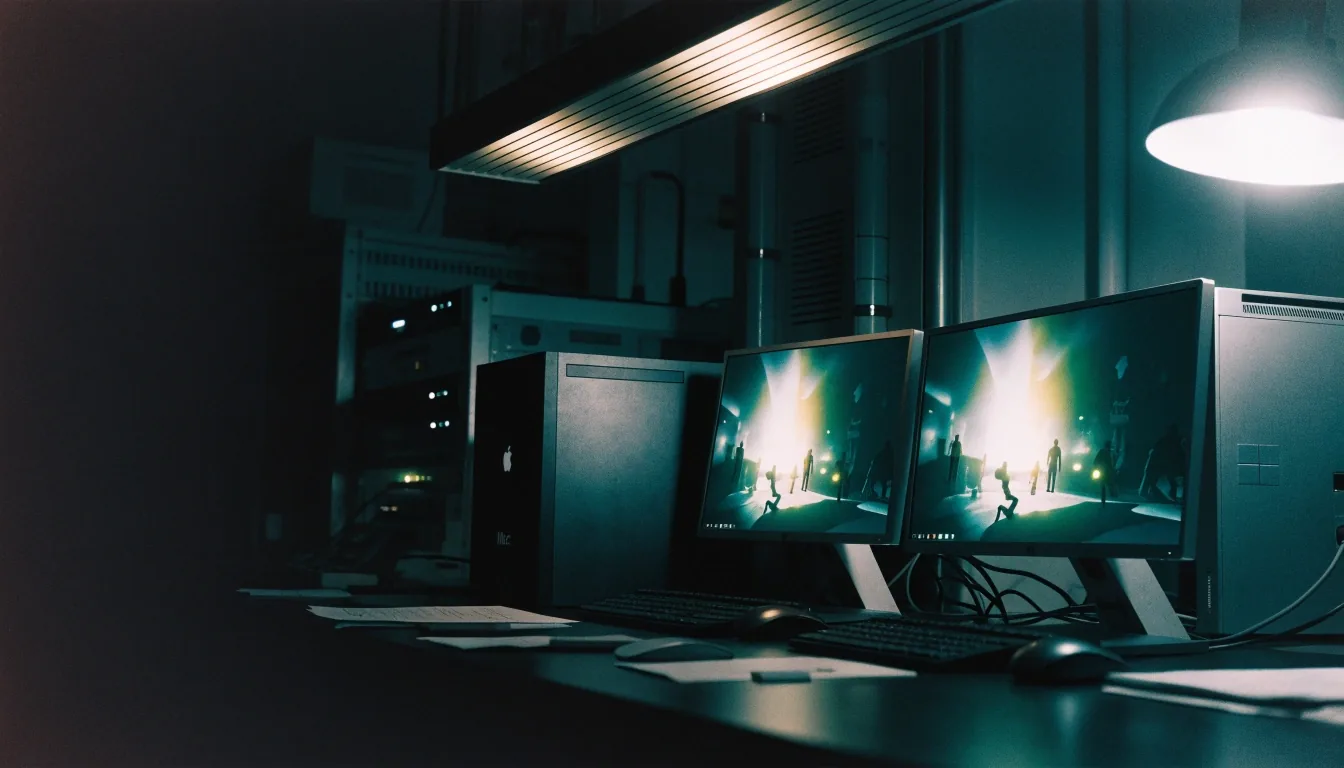
Two rigs on a test bench running the same game world side by side

ARZAB test bench

Two rigs, one game world, proven before it earns the stamp.

Apps and games for PC, Mac and Windows — checked on the machine you actually own, not listed on a promise.

Start here

Apps and games for PC, Mac and Windows

ARZAB is a test bench for people who own more than one computer, or who are about to. A MacBook on a desk, a Windows PC under it, a Steam library that does not care which one is on.

We check whether a title truly runs on macOS, whether Windows tools translate well to Apple silicon, and whether a game earns its place on both sides. No vague roundups. Each guide names the platform, the chip where it matters, and the trade-off you accept when you choose a compatibility layer over a native build.

File by platform

Switch the platform above and the drawer re-files at once. A stamp means a machine ran it — the platform detail sits beside the title, never hidden behind a score.

A Mac and a Windows laptop side by side on the bench
Same pick, two machinesARZAB bench

Cross-platform picks

Cross-platform picks with a verdict

Our games hub covers titles that sit on both platforms or define the conversation around them. The Witcher 3: Wild Hunt, Cyberpunk 2077, Baldur's Gate 3, and Stardew Valley each test the system in a different way. One is a long-lived open-world RPG, one is a high-end action RPG that arrived on macOS in the Apple silicon era, one is a heavy turn-based CRPG, and one is a light farming sim that still runs everywhere. The comparison is the point.

The Witcher 3 still sets a bar: released in 2015 and remastered since, it asks whether your Mac can sustain a dense open world at a resolution you are happy with, or whether this one should stay on Windows. We frame the answer by chip and settings, not by brand loyalty.

Cyberpunk 2077 is the high-end test. If a Mac runs Night City at your target settings, lighter games rarely pose a question. If it does not, we say which settings to lower first.

See games for Mac and PC
A single rig under a task lamp on the bench
One rig, one verdictARZAB bench
A Windows game running on a Mac through a compatibility layer
Compatibility layer, mid-test on the bench

Windows on Mac

Pick the right tool

There are three broad routes for Windows games on Mac. A compatibility layer such as CrossOver translates Windows API calls so a single app can run without a full Windows install. Virtualization creates a separate Windows environment, which suits heavier workloads and direct access to Windows-only services. A dedicated Windows PC removes the translation question entirely. Each route has a cost in setup time, performance, or money. The right choice depends on the title.

CrossOver suits selective compatibility: one or two Windows apps, or a launcher and a modest library, without installing a whole second operating system. It is not a full Windows machine, and some anti-cheat or newer graphics features may not behave the same. Virtualization gives you a real Windows desktop inside macOS — flexible, not a magic switch.

Compare Windows games on Mac
The bench at night with Mac and Windows rigs side by side
The bench at nightARZAB bench

The method

What ARZAB actually tests

We start with the question readers ask most in real terms: will this run on my machine, and how well. For Apple silicon Macs we separate native builds from translated or emulated paths, because the gap shows up in frame pacing, fan noise, and battery drain. For Windows we note system requirements in plain language, not just the developer minimum. When a game appears on both, we say which version to start on first.

A macOS version can exist and still be a compromise. Some ports arrive late, some launch without the same mod support the Windows build enjoys, and some update slower. We check launch timing against the Windows release, and we flag where a Mac version trails — before you pay for the wrong copy.

Apple silicon changed the baseline

Before Apple silicon, many Mac gaming guides were apologies. Intel Macs could run games, but thermals and graphics were the limiting factor. The M-series chips changed that calculation. Native support now matters more, because the hardware can keep up in many cases where it once could not. That is why our coverage treats native support as a feature, not a footnote.

Baldur's Gate 3 rewards the right hardware: it does not need twitch reflexes, but it needs stable performance across big maps and dense dialogue. Turn-based play suits Macs well because frame-rate pressure is lower than in fast action games. Stardew Valley is the control case — if this does not run, the machine needs attention.

Read the Apple silicon gaming guide

Before you buy

Storefronts, mistakes, and fresh dates

Storefronts shape where games live

Where you buy a game affects DRM, mod support, and library access. GOG is known for DRM-light purchases and a strong catalog of older titles. The Epic Games Store brings exclusives and its own launcher. Steam appears in almost every buying discussion. We compare these stores on ownership, exclusives, and how libraries work across Windows and Mac.

PC game storefronts compared

Beginner mistakes we keep seeing

New Mac gamers often assume an Apple silicon Mac plus any Windows installer equals a working game. It does not. Some titles need a native build, some need a specific compatibility setting, and some are simply Windows-only. A second common mistake is comparing a Mac laptop to a desktop PC on graphics alone, ignoring thermals and sustained load. We call out both errors in each guide.

How guides get updated

Platform support moves. A Windows-only title can gain a macOS version, a Mac port can patch a performance bug, and a compatibility layer can add support for a new API. We revisit guides when a listed title changes platform status or when a major update alters requirements. If we have not rechecked a claim, we do not present it as current.

Questions

Asked on the bench

Straight answers, stated limits. Where a result depends on a specific chip or memory amount, we name it instead of giving a blanket answer.

ARZAB is in Łódź, Poland — ul. Stanisława Przybyszewskiego 91-99, lok. 15, 93-126 Łódź. Monday to Friday, 9:00 AM to 6:00 PM. Phone +48 42 640 19 52.

Contact ARZAB about a correction
Does ARZAB sell games or apps?Open

No. ARZAB is an editorial guide. We explain platform support, compatibility tools, and storefront choices so you can decide where to play. Purchases happen on the stores and platforms we describe.

Do you test every game on every Mac?Open

We cover the chips and configurations readers ask about most, and we state the limits of each check in the guide. Where a result depends on a specific chip or memory amount, we name it instead of giving a blanket answer.

Which email do I use for a correction?Open

Use [email protected] and name the page and the claim you want checked. That helps us find the note quickly.

More reading: About ARZAB · FAQ