
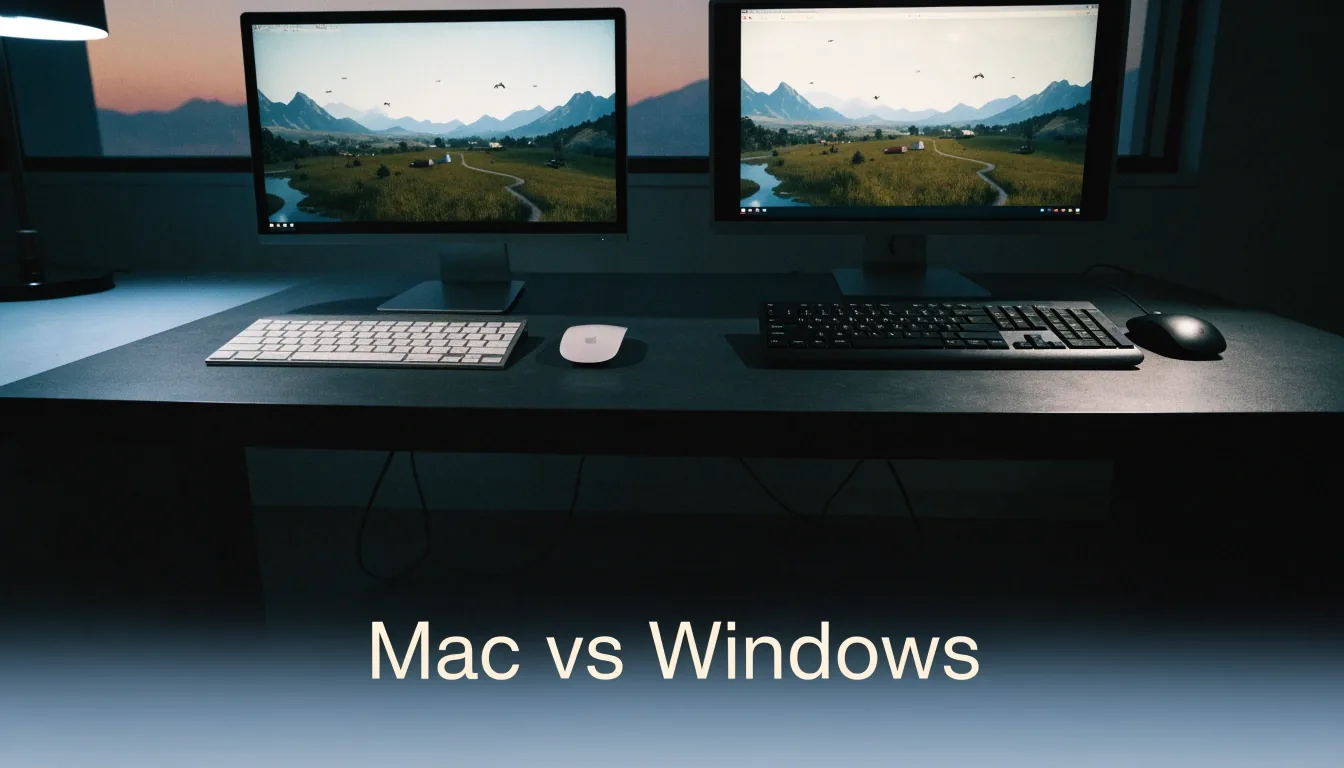
Apple silicon Mac gaming
Apple silicon Macs made gaming credible
Two rigs, one game world, proven before it earns the stamp. Native support, strong genres, and the point where a Windows tool still helps.
What native support means
Written for macOS, not translated into it
A native build is written for macOS and runs directly on Apple silicon without translation. That usually means better performance, cleaner updates, and full access to platform features such as controller support and cloud saves. It also means the developer maintained the port, which is not always the case for late or minimal conversions.
When we say a game has native support, we mean the macOS version exists and is maintained, not that a forum member got it working once. Apple silicon changed what a Mac can do as a gaming machine. Earlier Intel Macs often struggled with heat and mid-range graphics, which pushed players toward Boot Camp or a separate PC. M-series chips deliver stronger native performance in many cases, and that shift made native macOS support worth checking again.
This guide explains where Apple silicon Macs run games well today, where they still need a Windows compatibility tool, and how to read system requirements before you buy.
Filed picks — check the store page for the current build
Where performance is strong
Start with genre fit, not just chip name
Apple silicon Macs tend to cope well with turn-based strategy, roguelike deckbuilders, farming sims, and narrative RPGs. Baldur's Gate 3 fits that pattern, with dense scenes but no need for extreme refresh rates. Stardew Valley runs on almost anything, which makes it a useful baseline test. Mid-core and casual genres place less pressure on sustained graphics load.
Reading system requirements
Compare against the macOS requirements, not the Windows ones
System requirements on a store page are written for a target resolution and frame rate. A minimum that looks fine on a desktop PC may be optimistic on a fanless laptop under sustained load. Check the chip generation, memory, and storage, then compare against the macOS requirements, not the Windows ones. If a guide cites a specific chip, that is there to help you judge. A base model and a higher-tier model can behave very differently in the same game.
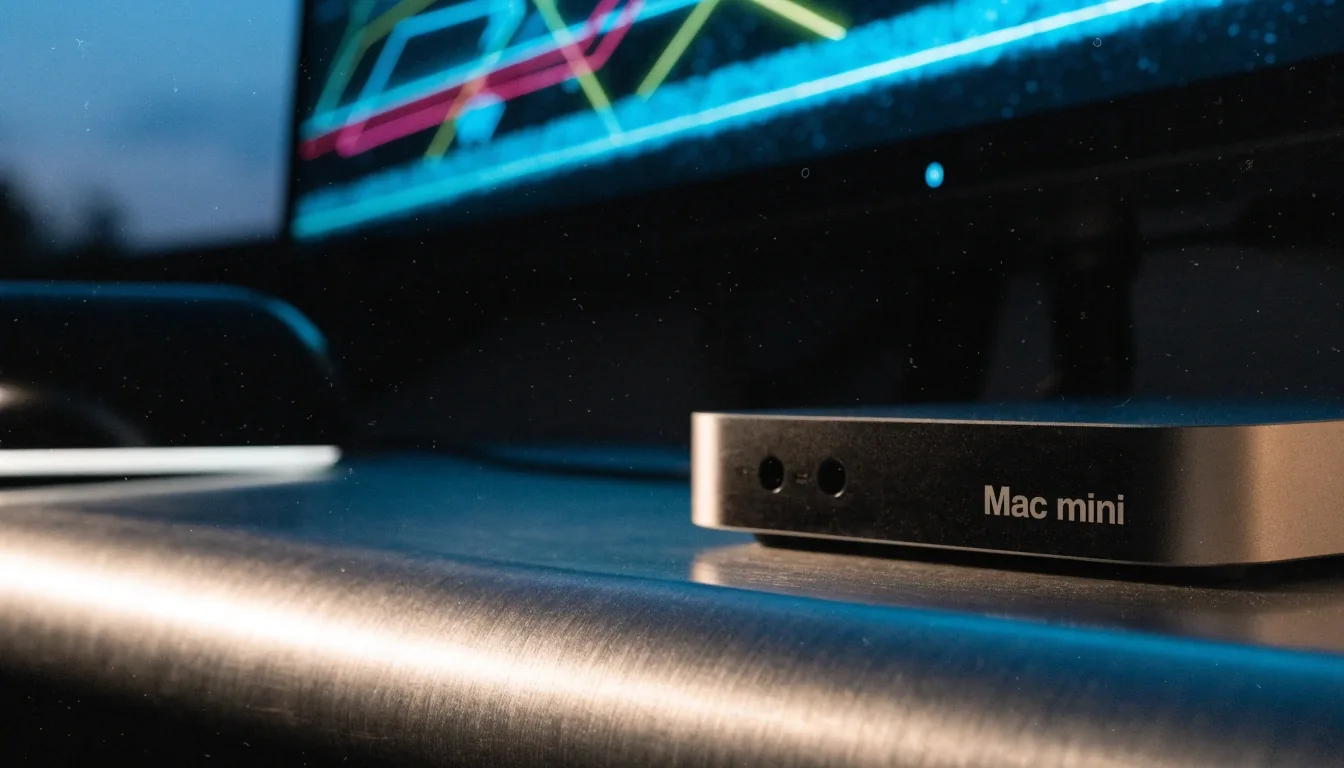
Apple silicon on the benchNative first
Where Windows still leads
High-end action still arrives on Windows first
High-end action games and competitive titles often arrive on Windows first, sometimes years before a Mac version appears. Cyberpunk 2077 reached macOS in the Apple silicon era, which shows ports can happen, but the wait was real. Some Windows titles never come to macOS at all.
If the game you want is Windows-only, the question moves to compatibility tools or a Windows PC. Buying a Mac hoping a Windows-only game will appear is a gamble. Use Cyberpunk 2077 as the ceiling test: running it well on a Mac says a lot about that machine, running it badly says less about Mac gaming in general and more about this title.
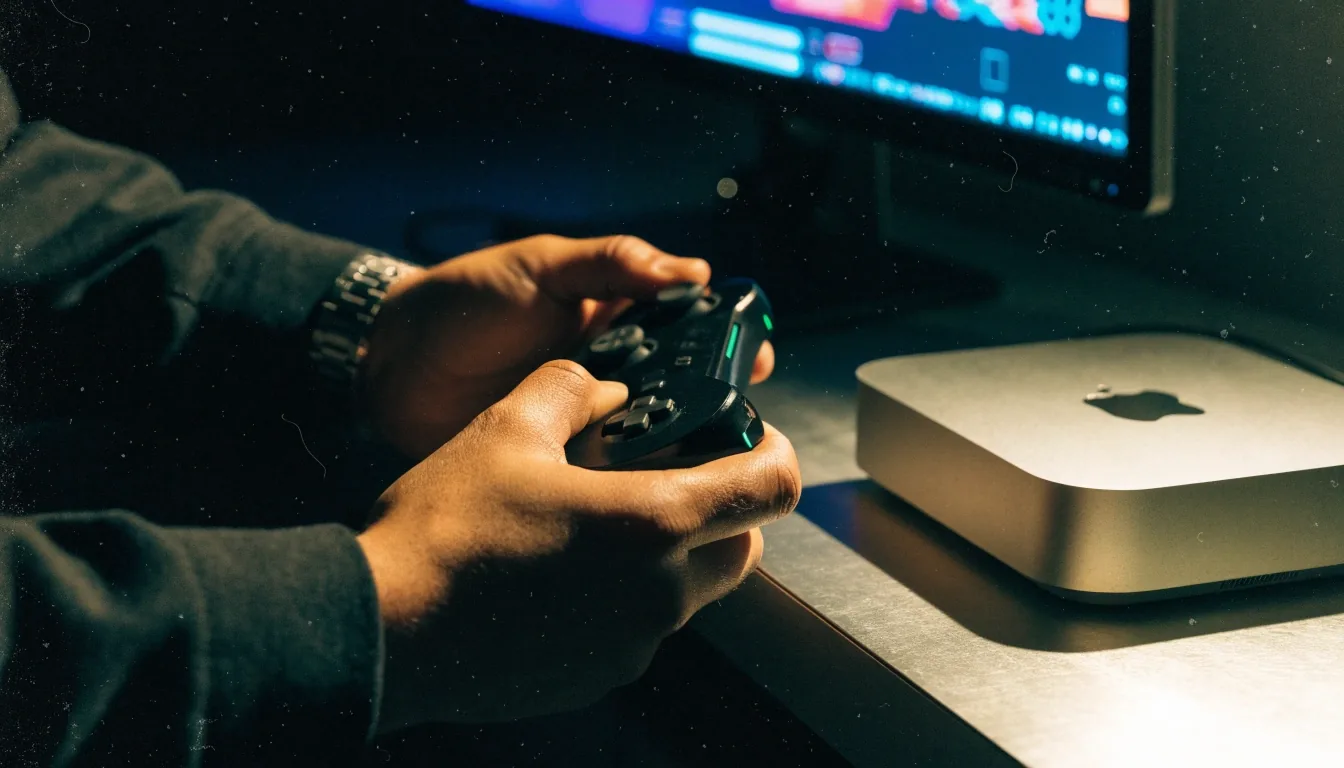
Compatibility layer at nightWhen native is not there
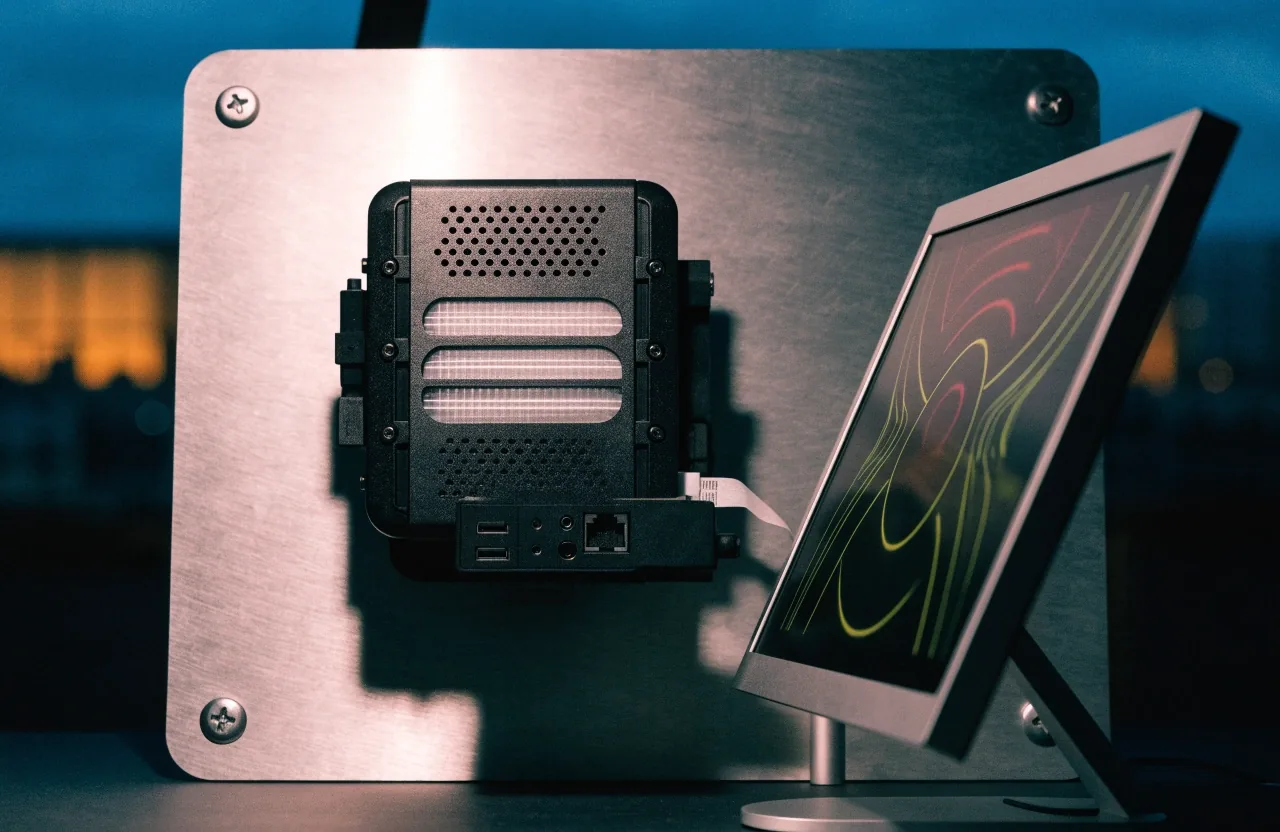
CrossOver translates Windows API calls — virtualization is the heavier route
When a compatibility tool enters the picture
A tool helps — it does not equal a native build
If a game lacks a native macOS version, CrossOver can translate Windows API calls so the title runs without a full Windows install. That works for many Windows apps and a fair share of games. Virtualization is the heavier route, with a separate Windows environment inside macOS. Neither route equals a native build in all cases.
The Witcher 3 is a fair mid-range test: originally released in 2015 and remastered since, its open world is dense, and quest-heavy scenes can stress thermals on a laptop. On a strong Apple silicon Mac with a native build, it can be a satisfying run. On a weaker model, lowering resolution or special effects matters more than any single toggle.
Compare Windows games on MacMods, saves, and launchers
Mod support often differs between Windows and macOS versions of the same game. Stardew Valley has a strong mod community on PC, and Mac players should check whether the mods they want work on their build before switching platforms. Cloud saves and launchers add another layer. A game that runs natively but loads through a Windows-only launcher is not a clean Mac experience. Check the launcher before you commit.
Choosing your first Mac game
Start with a title that matches the Mac's strengths. A turn-based CRPG, a farming sim, or a well-optimized indie game will show what Apple silicon does well. Save the heaviest action game for a second test, once you know how your machine handles heat over a long session. That order gives you useful information and a better first impression of the platform.
A note on Intel Macs
Intel Macs still run many games, and owners of those machines should not assume every guide is written for them. Apple silicon guidance about native builds and translation layers does not transfer directly. If you are on an Intel Mac, check requirements for your exact model and consider whether a Windows PC is the simpler path for newer titles. Our pages flag where advice is Apple silicon-specific.
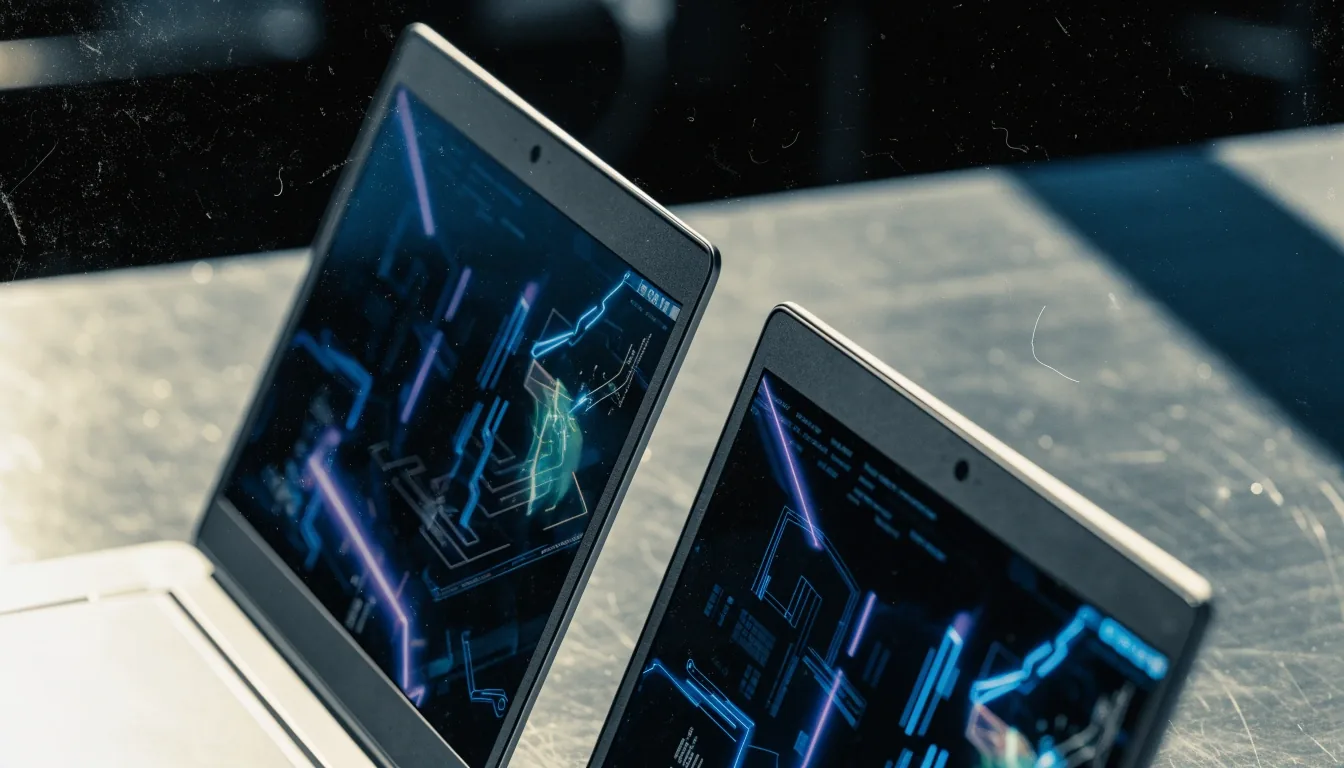
Same world, two rigsCross-platform picks
Questions players ask
Is Apple silicon good enough?
Is Apple silicon good enough for modern gaming?Open
For many genres, yes. Turn-based strategy, narrative RPGs, and lighter action games run well on M-series chips. Heavy Windows-first action titles may still be better on a Windows PC, depending on the chip and settings.
Which PC games have native macOS versions in 2026?Open
Baldur's Gate 3, Cyberpunk 2077, Stardew Valley, and The Witcher 3 are among the titles we cover with macOS versions. Check the store page for the current build, because platform support can change.
What genres work best on Mac?Open
Turn-based strategy, roguelike deckbuilders, farming sims, and narrative games place manageable demands on thermals and graphics. Fast, high-end action games are the hardest case.
Next on the bench
Pick the platform honestly, then launch
If a title is native on macOS, start there. If it is Windows-only, compare the compatibility path against a Windows PC before you buy. That one check saves the return, the refund, and the second purchase.