
Native macOS build
Platform: macOS · No translation · First choice
Get in touch
Monday to Friday, 9:00 AM - 6:00 PM
+48 42 640 19 52 [email protected]
ul. Stanisława Przybyszewskiego 91-99, lok. 15, 93-126 Łódź
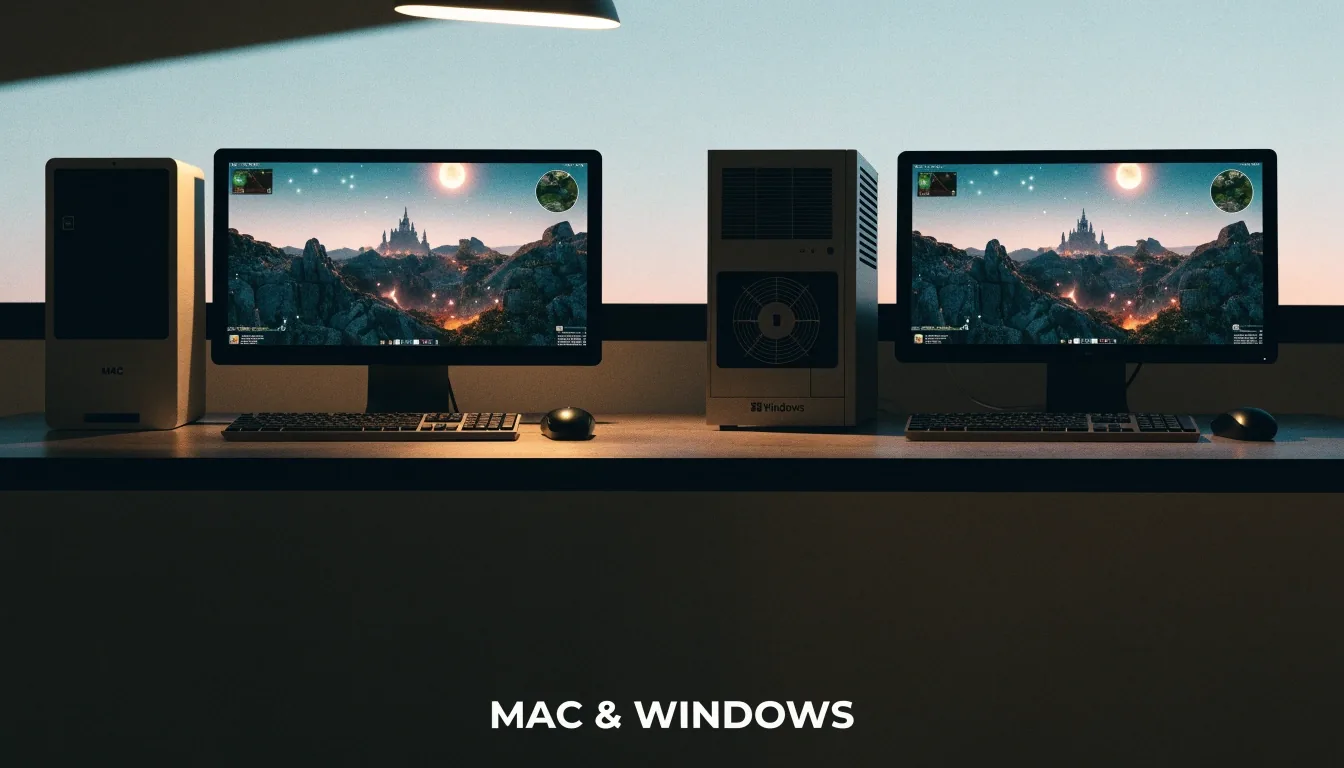
Two rigs, one game world
A Windows game on a Mac needs a route. It can run natively if the developer shipped a macOS build, through a compatibility layer such as CrossOver, inside a virtual machine, or on a separate Windows PC. Those routes are not interchangeable. This page compares them so you can match the tool to the title, instead of installing the heaviest option and hoping for the best.
The route drawer
Before you install any Windows tool, check whether the game has a native macOS version. Baldur's Gate 3, Cyberpunk 2077, and Stardew Valley all reached macOS, which removes the translation question. A native build generally gives the cleanest performance and update path on Apple silicon. If a native version exists, start there. Reach for CrossOver or virtualization only when the title is Windows-only.
Switch the drawer view
Platform: macOS · No translation · First choice
Platform: macOS · Windows API translation · Selective use
Platform: Windows inside macOS · Shared GPU and memory
Platform: Windows · Full catalog · No compatibility question
CrossOver runs Windows apps and games on macOS without a full Windows install. It relies on translating Windows API calls into macOS equivalents, which is why it is described as a compatibility layer. That approach suits selective use: one launcher, a few games, or an app you need occasionally. Setup is lighter than virtualization, and disk use is lower. The trade-off is that some features behave differently, and some titles simply do not work.
The verdict
Translation wins when the job is small. If you want a single Windows-only game or a launcher with a modest library, installing a whole operating system is hard to justify. CrossOver can start faster and feel closer to a Mac app. It is also the route many guides mention for Apple silicon Macs, because it avoids the overhead of a virtual machine. If the title is light or mid-range, try the layer before you go further.
Ask three questions in order. Does a native macOS version exist. If not, is the title light enough for a compatibility layer. If the answer is still no, does the game need a full Windows environment or a Windows PC. That order saves time and money. It also stops the common pattern of buying a virtualization license for a game that would have run natively.

Virtualization and the PC

A virtual machine runs a separate Windows desktop inside macOS. That gives you a genuine Windows environment, which helps with productivity software, testing, and some games that depend on Windows services. The cost is shared resources. The Mac GPU and memory are split between macOS and Windows, and performance reflects that split. Virtualization is flexible and powerful, but for gaming it is rarely the first choice on Apple silicon.
Sometimes the honest answer is a Windows PC. If you play heavy action games, competitive titles, or a wide Windows catalog, a dedicated PC removes compatibility questions and gives you full access to mods and launchers. The cost is a second machine, more desk space, and a separate library to manage. For some readers that trade is worth it. For others, a Mac plus one compatibility tool covers the games they actually play.
See cross-platform game picksFor a single Windows-only indie game, a compatibility layer is usually enough. For office software plus occasional gaming, virtualization covers both jobs in one place. For a wide library of Windows-first titles, a Windows PC is the calmer long-term choice. For games with native macOS versions, none of these tools are needed. That four-way split covers most real decisions without pretending one tool fits all.
The first mistake is installing a tool before checking for a native build. The second is assuming a tool that launches a game once will handle updates, mods, and cloud saves the same way Windows does. It may not. The third is ignoring system requirements for the Windows version, which still apply through translation. Read the requirements for the game, not just the tool, and test one title before building a library around the setup.
Apple silicon Macs are capable machines for native games, and that capability carries over to many translated titles. Heavy games still stress thermals, and a laptop will throttle under sustained load whether the game is native or translated. Set expectations by genre. Turn-based strategy and lighter games are comfortable. High-end action games need careful settings on any route.
Running a game through CrossOver or a virtual machine does not change where you bought it. GOG, the Epic Games Store, and Steam each bring their own launcher and DRM approach. A DRM-light purchase from GOG may behave differently from an exclusive tied to one launcher. Cloud saves can work across tools, but they can also conflict if you switch routes mid-campaign. Pick a route and stick with it for a given save file.
Compare PC game storefronts
Questions
Use CrossOver for selective Windows games without a full install. Use virtualization when you also need a Windows desktop for other software. Buy or use a Windows PC when you play a wide range of Windows-first games.
Games with native macOS versions, such as Baldur's Gate 3 and Stardew Valley, need no compromise. Windows-only titles vary by game, so check the title guide and system requirements before buying.
It can. Mod support and cloud saves are often tied to the Windows build. Check the game and store pages for Mac support before moving a campaign between platforms.