
ARZAB ARZAB
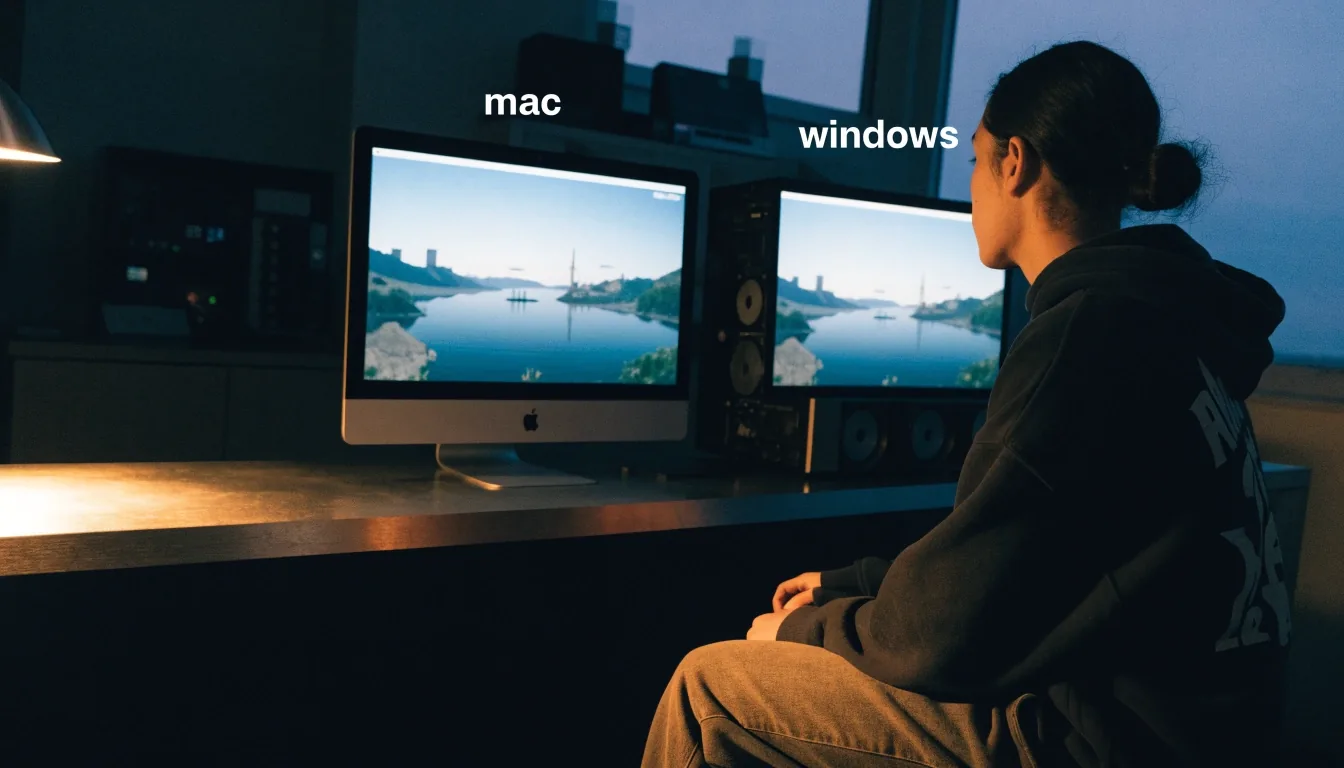
Two rigs on a bench running the same game scene

Storefronts compared

PC game storefronts compared for Mac players

Two rigs, one game world, proven before it earns the stamp. Where you buy a game shapes what you own — GOG and the Epic Games Store take different positions on DRM, exclusives and library management.

Buying on Windows and Mac

Ownership first, habit second

This page compares GOG and the Epic Games Store directly, with Steam in the background where it belongs, so you can choose a store based on ownership and catalog rather than habit. Use the platform switch to re-file the rows for the kind of buyer you are.

Show me

GOG and the ownership argument

GOG is a major PC game store known for DRM-light purchases and a strong catalog of older titles. For players who value preservation and the ability to keep installers, that position is the main attraction. If your library leans toward older games or you dislike license checks, GOG is the natural starting point.

Platform: Windows and Mac where listed · Focus: DRM-light, classics
Stamped

Epic Games Store and exclusives

The Epic Games Store is a major Windows storefront with a smaller but important role in the PC ecosystem. Exclusives are its best-known lever, and they shape where Windows-first games appear. If a game you want is exclusive there, the comparison ends quickly. If it is not, DRM and library features decide.

Platform: Windows-first · Focus: exclusives, promotions

Stamped

DRM-light is a real feature

DRM-light means fewer restrictions on how you install and access a game you bought. GOG built its identity around that idea, and it remains a meaningful difference for players who move between machines. A Mac and a Windows PC in the same home make that difference practical, not theoretical.

Check: license checks, installer you can keep, offline access

Stamped

Launchers and library management

Most players keep more than one launcher, even when they prefer a single library. The Epic launcher, GOG Galaxy and Steam each organize purchases differently and handle cloud saves in their own way. For readers switching between Mac and Windows, the launcher matters as much as the store page.

Check: cloud saves, launcher on macOS, separate Mac version

Stamped
MacBook and Windows laptop running the same game
Same game, two rigsCross-platform check

The verdict

A head-to-head for two kinds of buyer

Choose GOG

If you prioritize ownership, older titles and DRM-light access, GOG leads. It is the first check for a classic or a supported title you want to keep as an installer.

Choose Epic

If you want exclusives, frequent store promotions and the Epic launcher ecosystem, the Epic Games Store has the stronger case. Use it for an Epic exclusive or a game you want inside that library.

Keep Steam in view

If you value the default library most players already use, Steam remains the reference point that both stores are compared against. None of these positions is wrong — they suit different libraries.

The store decision and the platform decision are separate, and both need a yes. Then check whether a macOS version exists for the game you chose.

Single rig under a task lamp on the bench
One rig, one verdictGraphite resumes
Storefront shelf as bench hardware with two rigs

Launcher shelf on the benchWindows and Mac

Older catalog titles and preservation

GOG is frequently grouped with Steam in buying discussions, but its strength is older catalog titles and preservation-friendly purchases. That matters for Mac players, because many older games never received Apple silicon builds. A DRM-light copy you can keep may be more useful than a cloud-only license that disappears. Preservation is a niche concern until a store drops a title, and then it becomes the whole concern.

Finding the right version

Finding cross-platform titles

Store search filters help, but they are not always precise about macOS support. A title listed as available on Mac may have a native build, a late port, or no Mac version at all in practice. Check the platform icons and the release date for the macOS version before buying.

Our games hub does that checking for the titles we cover, including Cyberpunk 2077 and Baldur's Gate 3, which reached macOS after their Windows launches.

Exclusives, told plainly

An exclusive is a game sold on one store for a set period. That arrangement can fund development and draw players to a launcher, and it can also frustrate buyers on other platforms. The Epic Games Store uses exclusives as its main competitive tool. Check exclusivity before you assume a title will appear on GOG or Steam at the same time.

Beginner mistakes when buying cross-platform

  1. Buying the Windows version and assuming a Mac version comes with it. It does not, unless the store explicitly bundles both.
  2. Ignoring launcher requirements on macOS, where a Windows-only launcher can ruin an otherwise native game.
  3. Skipping the system requirements for your actual chip. Check platform, launcher and requirements in that order.
Compatibility bench at night with laptop and controller
Compatibility benchLauncher, layer, controller

Questions

Storefront questions, answered plainly

Is GOG good for DRM-light purchases?Open

Yes, that is its core identity. GOG focuses on DRM-light access and older catalog titles, which suits players who want to own installers and keep games across machines.

Why do players keep the Epic Games Store alongside another launcher?Open

Exclusives and library features. The Epic Games Store distributes some Windows-first games and keeps its own launcher, so players who want those titles keep it installed even when they prefer another main library.

Does buying on one store give me a Mac version too?Open

Not automatically. Check whether the store bundles a macOS version for that title, and confirm the platform icons on the store page before you pay.